
Product images for Russian
Localize packaging, product features, comparison charts and marketplace visuals for Russian-speaking shoppers.
Localize product images, ads, menus and digital content for Russian-speaking audiences across European markets. Upload a JPG, PNG or WebP up to 10 MB and get the same image back with its text in Russian.
Visual proof
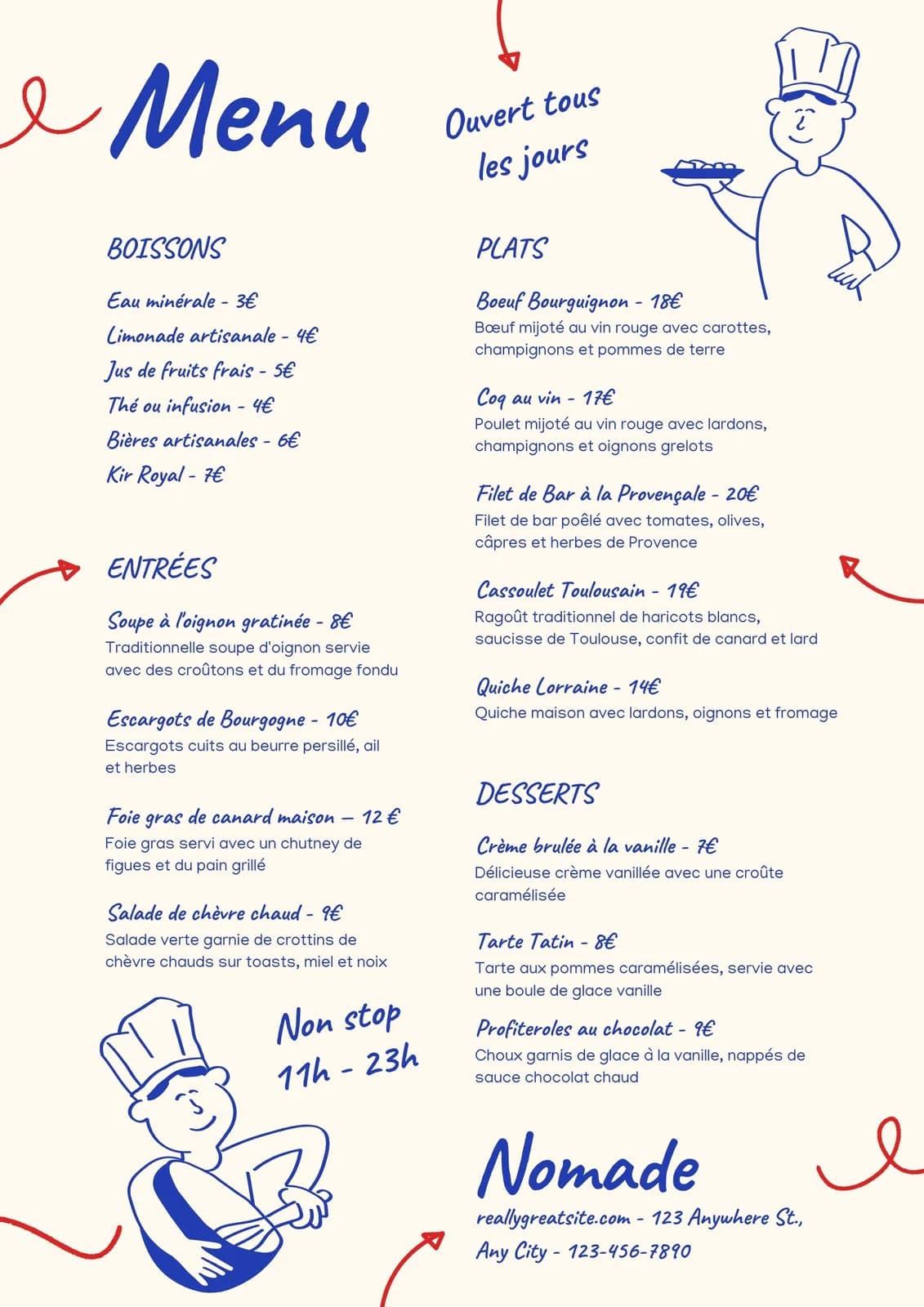 Source
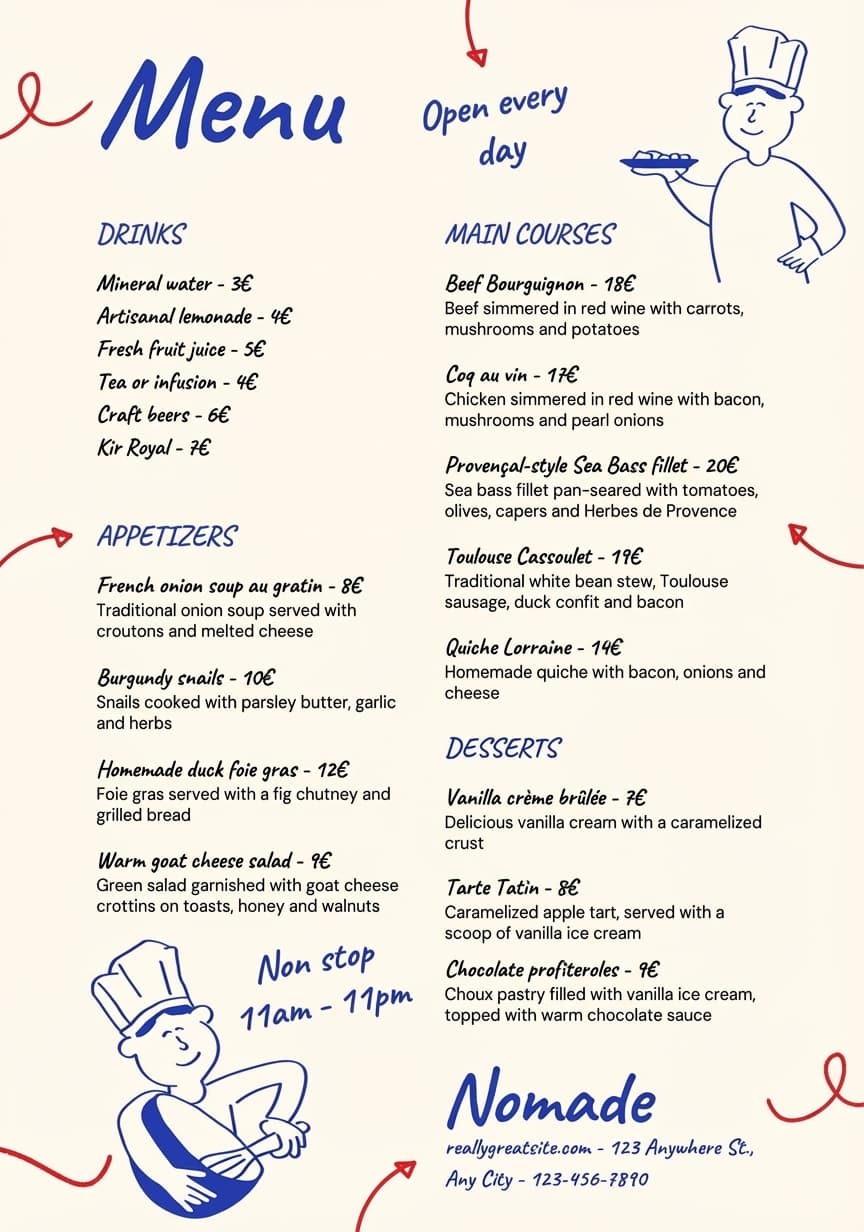 English result
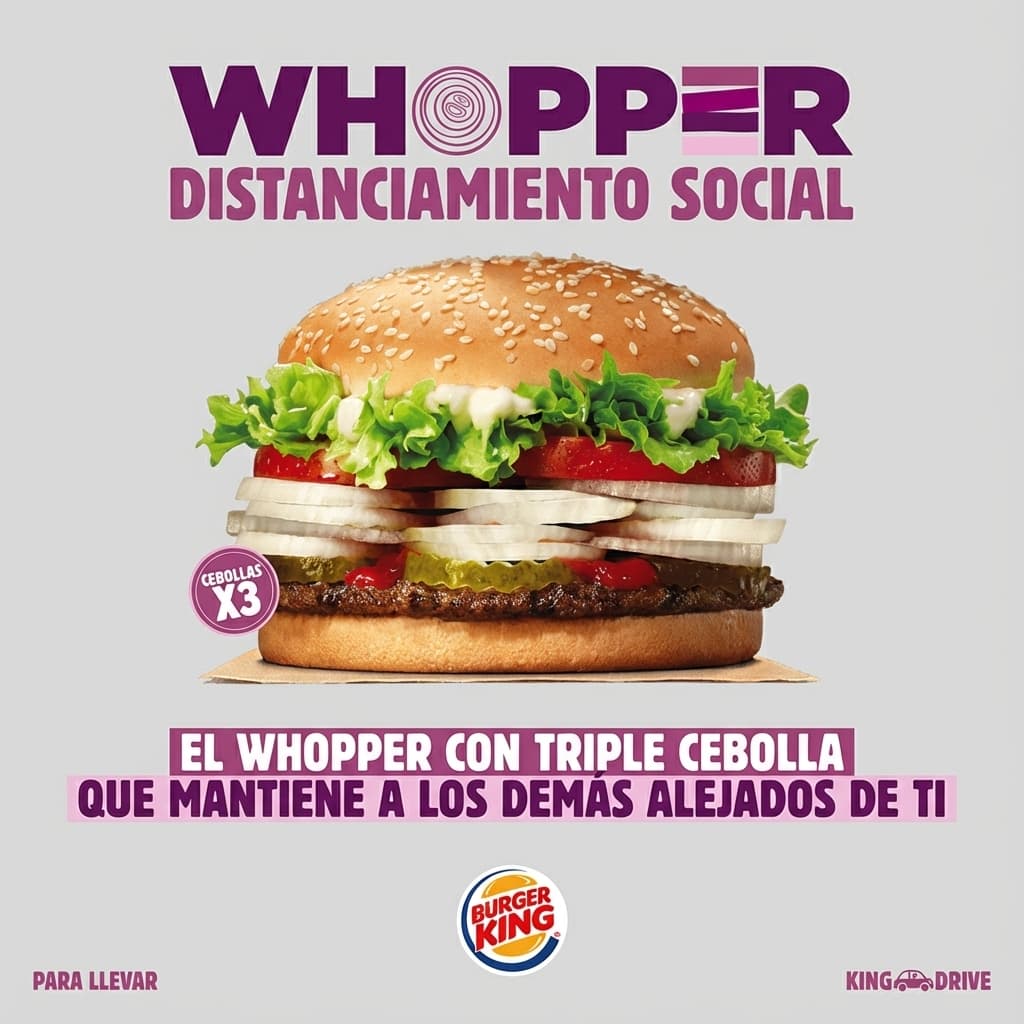 Spanish result
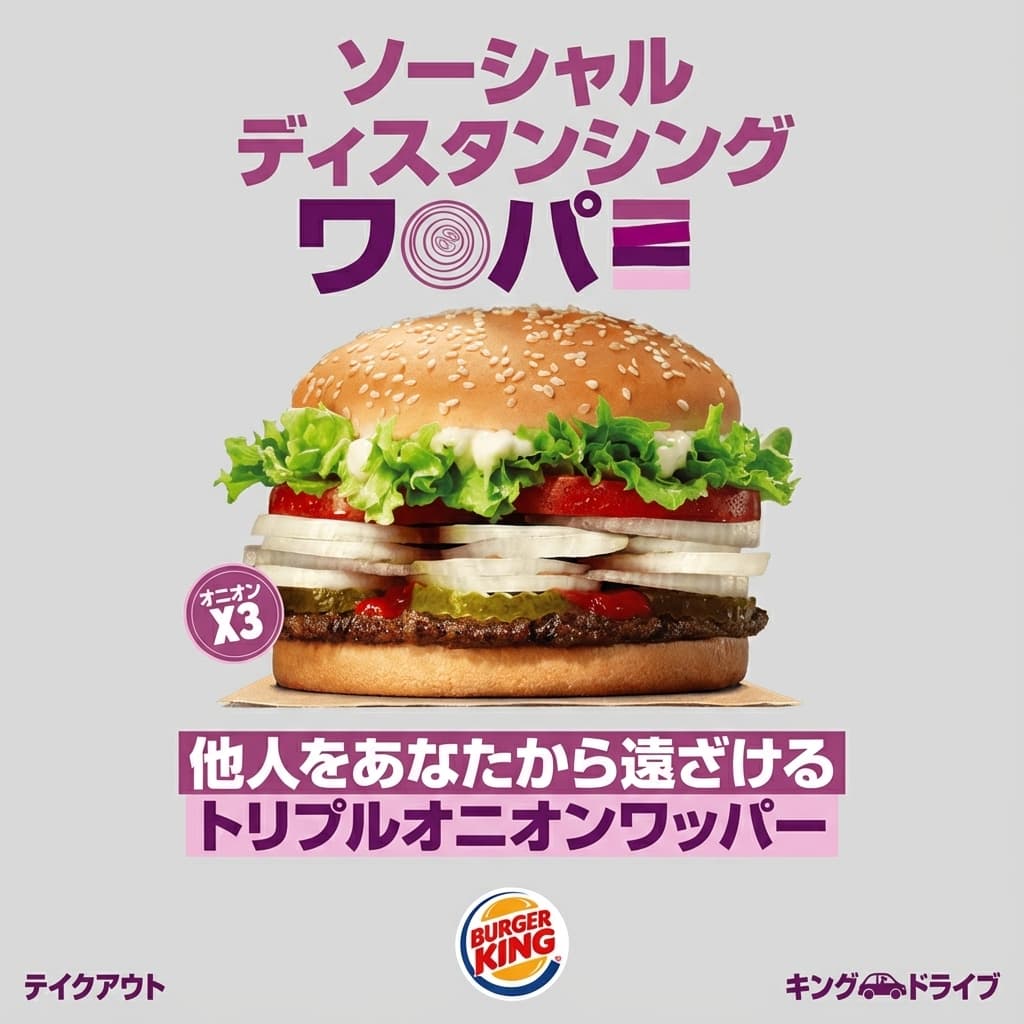 Japanese result
Translate
Russian is already selected as the target language. Upload one image, keep auto-detect for the source or pick it yourself, and check the result before you share or publish it.
Use cases
Three kinds of images to translate to Russian for European markets, with examples of each.
Localize packaging, product features, comparison charts and marketplace visuals for Russian-speaking shoppers.
Localize product instructions, diagrams and technical callouts for Russian-speaking teams and customers.
Translate menus, signs, brochures and destination visuals for Russian-speaking travelers and hospitality teams.
Language notes
Russian uses the Cyrillic alphabet and usually runs noticeably longer than English, with long inflected words that are hard to fit into narrow banners.
Long words and grammatical endings can make lines overflow. Check badges, buttons and narrow columns.
Russian typography uses «ёлочки» quotation marks and an em dash between subject and predicate, as in Москва — столица.
ё is often written as е, but it matters in names and where a word would otherwise be ambiguous. Keep its use consistent.
How to use
Each translation takes one image and uses one credit. Check the result before you use it, as its quality depends on the source image.
Choose a JPG, PNG, WebP or other supported image up to 10 MB.
Keep auto-detect for the source language, then use Russian as the target.
Compare names, numbers and prices with the original before you download or publish the image.
Pricing
The Basic plan is free, with 3 credits a month for personal use. Commercial use starts with Pro.
For occasional translations
3 credits / month
For professionals
100 credits / month
For power users and teams
300 credits / month
FAQ
What to upload, what the Russian result keeps and where to start. Spelling and typography checks are in the language notes above.
Any image with text in it: product images, menus, ads, social posts, screenshots or scanned documents, as a JPG, PNG or WebP file up to 10 MB.
An AI image model rewrites the text in Russian and returns a new image that follows the original layout, fonts and colors. Results vary with image quality, small print and complex layouts, so check names, numbers and prices before you publish.
Yes. The translator on this page opens with Russian selected as the target language. Russian is not among the 9 languages of the main translator, batch translation and the API, so start your Russian translations from this page.
Zoom in on small print to check that every word is in Cyrillic and correctly spelled. Letters such as В, Н, Р and С look like Latin letters but read differently.
TranslateMyImage
The free Basic plan covers 3 images a month, enough to test Russian on your own files.
Translate to Russian