
Product images for Japanese
Localize packaging, product features, comparison charts and marketplace visuals for Japanese-speaking shoppers.
Localize product images, ads, menus and digital content for Japanese-speaking audiences across East Asian markets. Upload a JPG, PNG or WebP up to 10 MB and get the same image back with its text in Japanese.
Visual proof
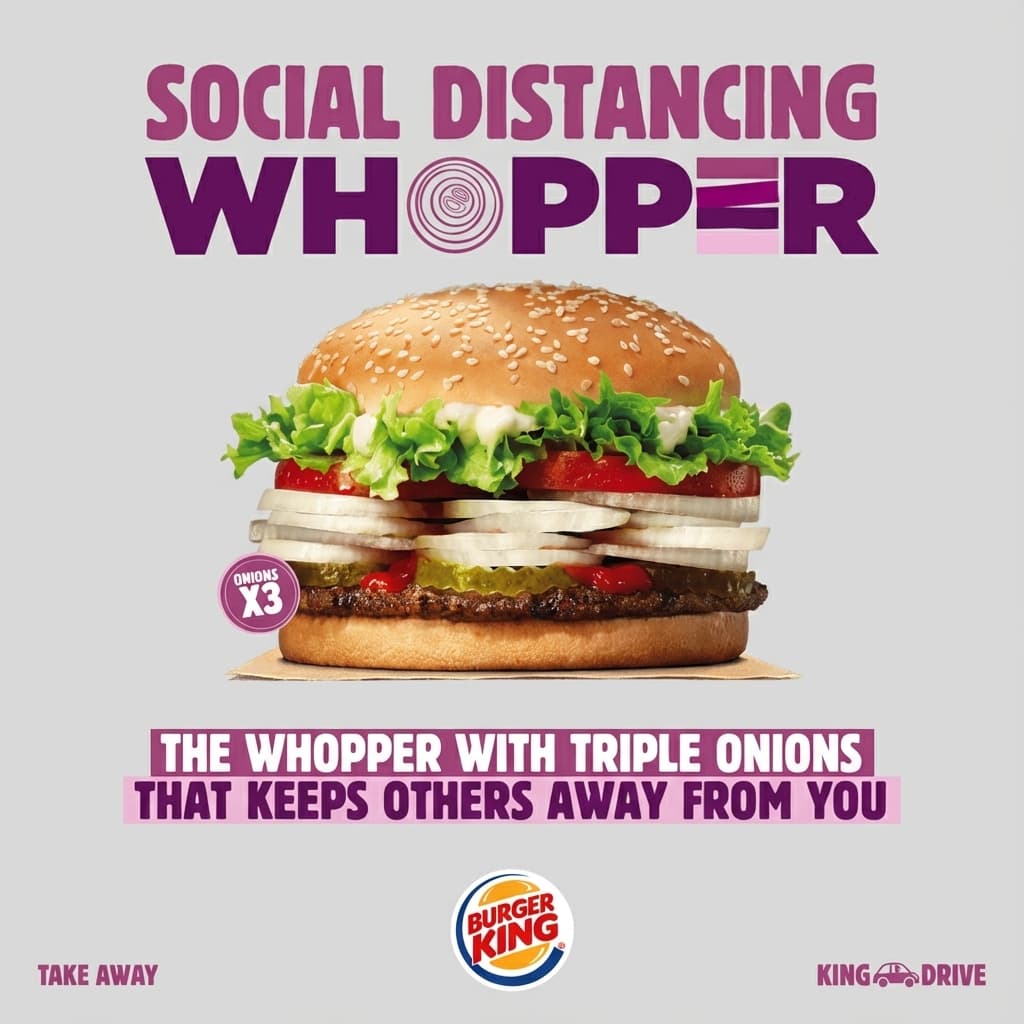 Source
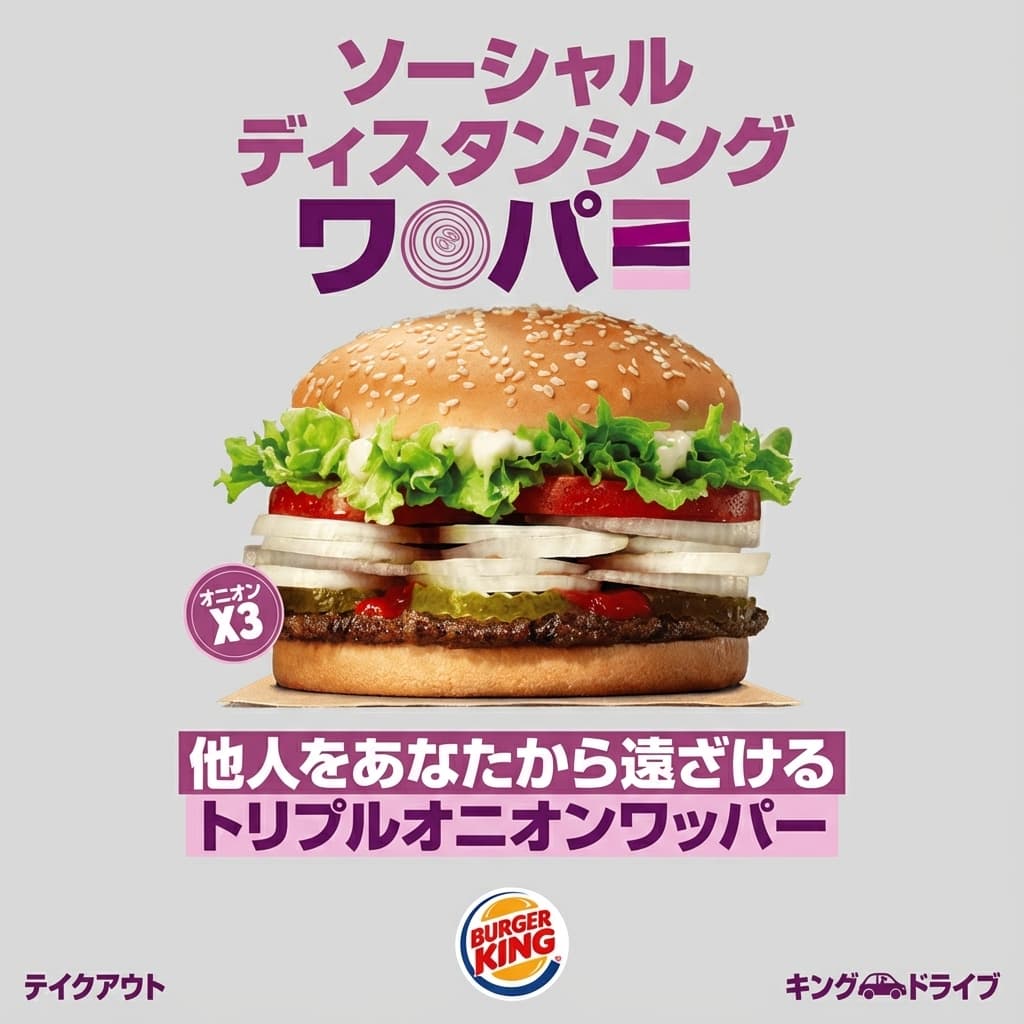 Japanese result
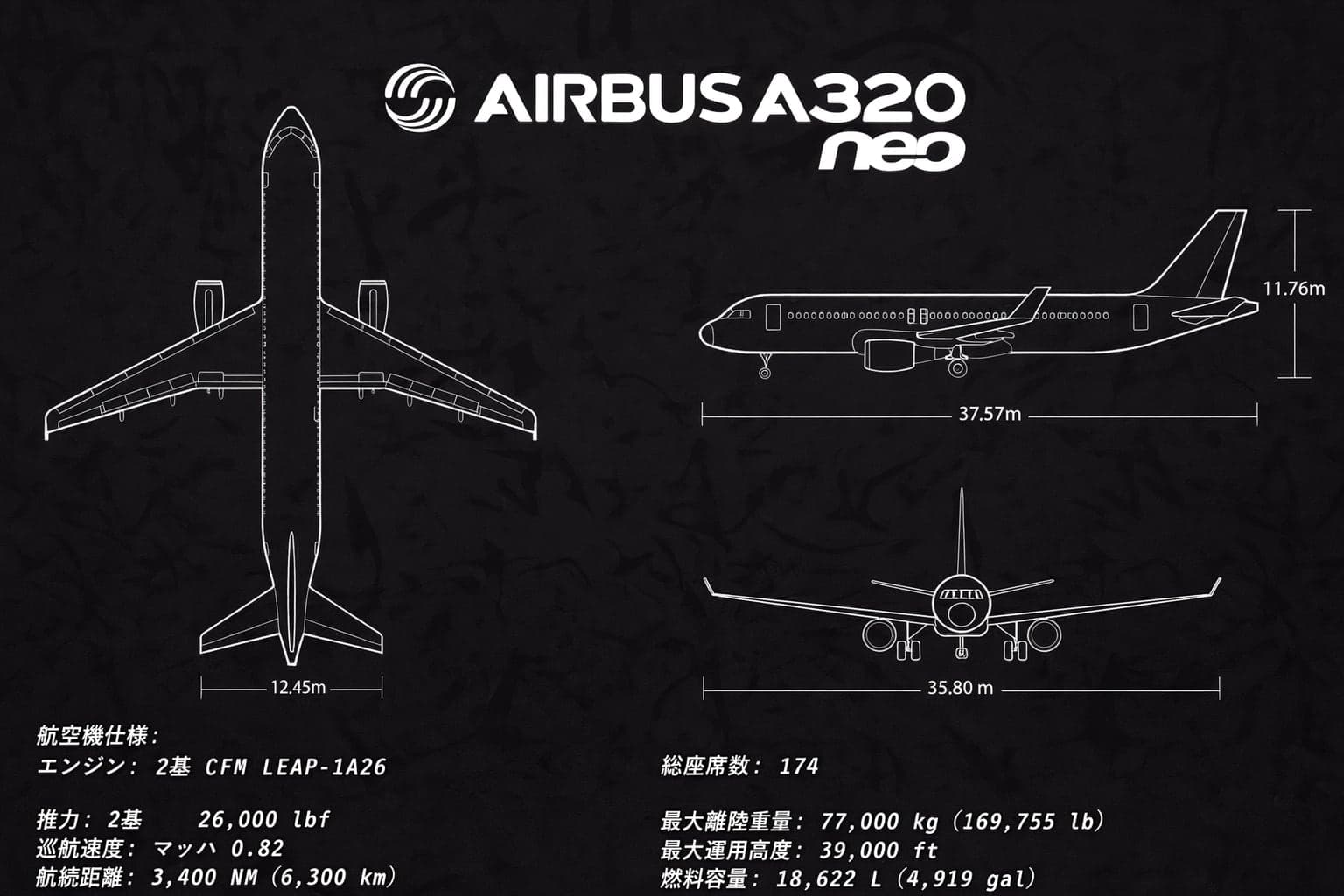 Japanese result
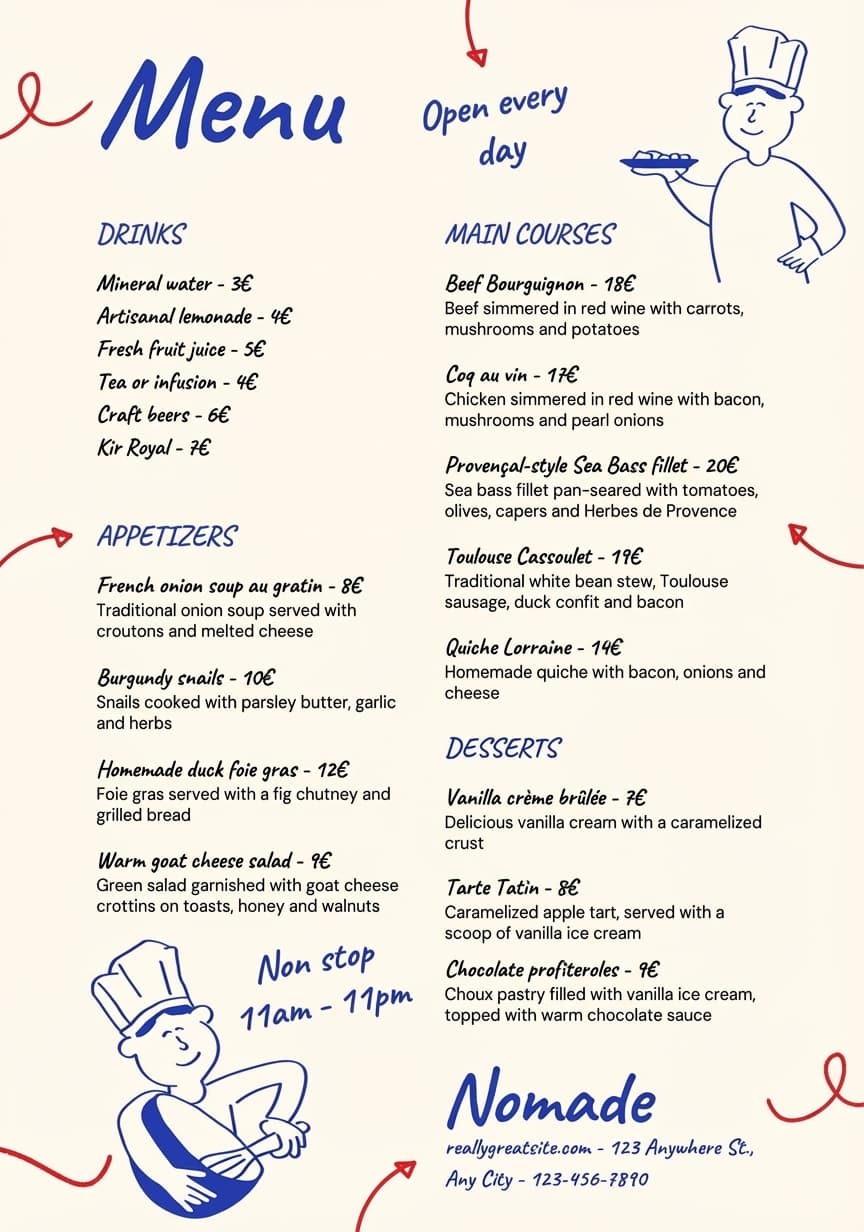 English result
Translate
Japanese is already selected as the target language. Upload one image, keep auto-detect for the source or pick it yourself, and check the result before you share or publish it.
Use cases
Three kinds of images to translate to Japanese for East Asian markets, with examples of each.
Localize packaging, product features, comparison charts and marketplace visuals for Japanese-speaking shoppers.
Translate speech bubbles, captions and illustrated pages for readers who prefer Japanese.
Adapt banners, paid social creatives and promotional graphics for Japanese-speaking audiences while keeping the campaign layout intact.
Language notes
Japanese mixes three scripts (kanji, hiragana and katakana), is written without spaces and can be set horizontally or vertically, so a translated text block may need a different shape.
Japanese line-breaking rules (kinsoku) keep closing punctuation such as 。 and 」 from starting a line. Check where headlines break.
Foreign brand and product names are often written in katakana. Confirm whether your brand should appear in katakana or in Latin letters.
Marketing copy usually uses polite forms (desu/masu). Check that the tone fits your brand and stays consistent across images.
How to use
Each translation takes one image and uses one credit. Check the result before you use it, as its quality depends on the source image.
Choose a JPG, PNG, WebP or other supported image up to 10 MB.
Keep auto-detect for the source language, then use Japanese as the target.
Compare names, numbers and prices with the original before you download or publish the image.
Pricing
The Basic plan is free, with 3 credits a month for personal use. Commercial use starts with Pro.
For occasional translations
3 credits / month
For professionals
100 credits / month
For power users and teams
300 credits / month
FAQ
What to upload, what the Japanese result keeps and where to start. Spelling and typography checks are in the language notes above.
Any image with text in it: product images, menus, ads, social posts, screenshots or scanned documents, as a JPG, PNG or WebP file up to 10 MB.
An AI image model rewrites the text in Japanese and returns a new image that follows the original layout, fonts and colors. Results vary with image quality, small print and complex layouts, so check names, numbers and prices before you publish.
Yes. The translator on this page opens with Japanese selected as the target language. Japanese is also one of the 9 languages of the main translator, batch translation and the API.
The result is designed to follow the source composition, so horizontal source text usually stays horizontal. Manga and some print layouts use vertical text; review the result if your design needs it.
TranslateMyImage
The free Basic plan covers 3 images a month, enough to test Japanese on your own files.
Translate to Japanese